About
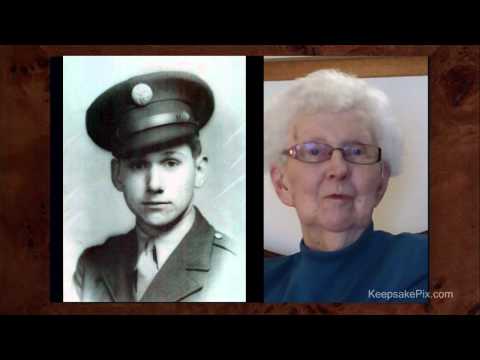
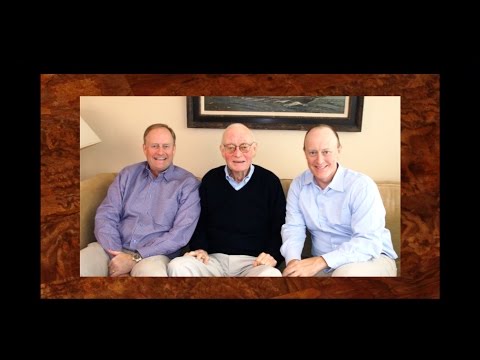
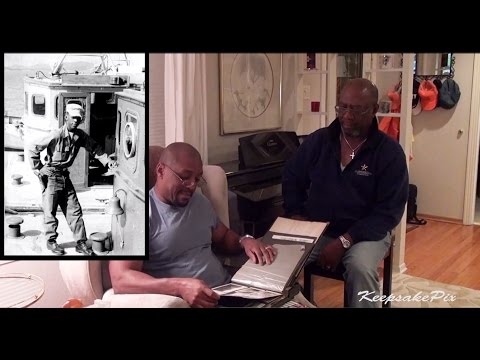
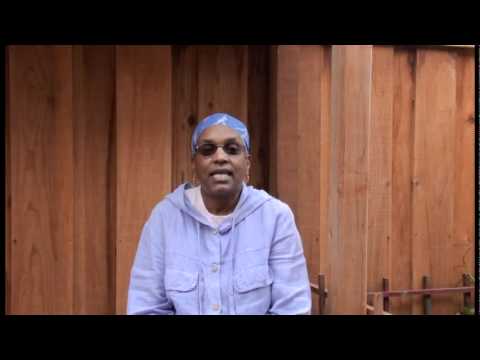
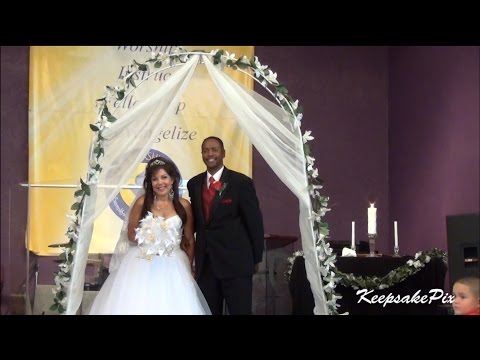
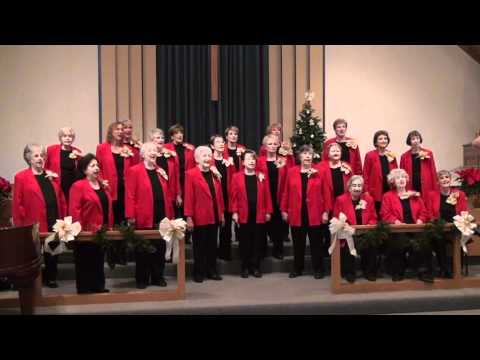
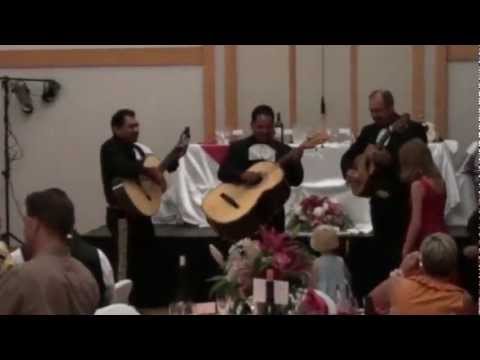
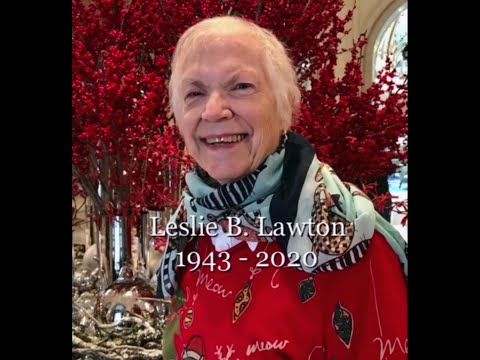
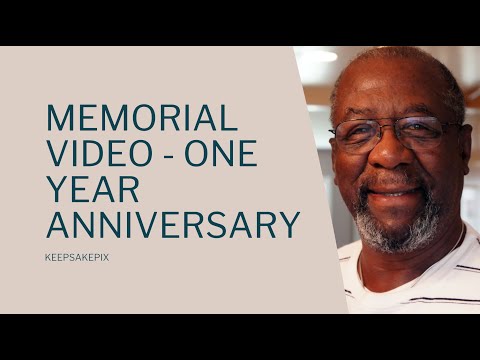
KeepsakePix has been in business for 18 years. It is a home-based business that works both remotely and travels to clients to shoot their videos in person. The main specialties are family legacy movies, memorial videos, and small business videos, as well as wedding videos.
The YouTube channel showcases samples of various videos produced over the years.
The website may be found at https://keepsakepix.com/
FAQ's:
FAMILY LEGACY MOVIE
1. What is a family legacy video?
A family legacy movie is a special type of video designed to capture and preserve the stories and memories of a family for its future generations. It can be a powerful way for the younger generations to connect with their ancestors, learn about their family history, and create a sense of belonging and identity for current and future generations.
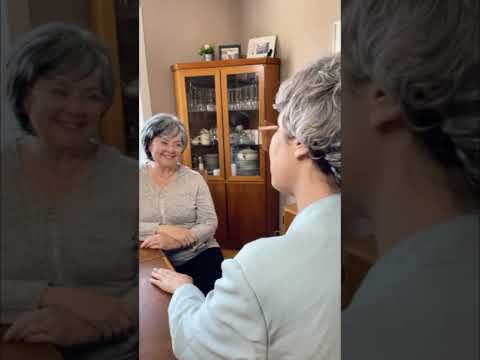
A KeepsakePix family legacy movie typically includes an interview with the elders of a family where they talk about their ancestors, family history, favorite stories, or memories.
2. What is the process for creating a family legacy video?
Creating a family legacy video involves several steps:
1. Discuss the plans with KeepsakePix.
2. Plan the video, deciding on the focus of the video—will it include one or more family member being interviewed and who will do the interviewing?
3. Gather all the photos, documents, and other memorabilia that support the stories.
4. Write down the questions you want to be sure to include in the video.
5. KeepsakePix will shoot the video, edit the raw footage, incorporate the photos and other items, and then share a draft with the family.
6. After viewing the draft KeepsakePix will produce the final video
7. The video will be shared with the family according to the original agreements.
3. Who conducts the interviews for family legacy movies
The interviews for family legacy movies can be conducted by one or more people, depending on the family’s preferences.
Usually, one family member conducts the interview, but the interview role can be rotated between family members.
4. What kind of music should be in the family legacy video?
Any music used should be reflective of the subject’s life—either his/her favorite music
Since most of the video will be interview-style, there will be little if no music included. However, if any music is used you must have permission to use any copyrighted music.
5. What kind of equipment and software do you need to create a high-quality family legacy video?
When KeepsakePix produces your family legacy video, you don’t have to think about either of those things. All of the necessary equipment, i.e. cameras, lights, tripods, etc. will be brought to your house for the filming of the interview.
After filming is complete I will run the raw footage through a video editor, edit the footage, and produce the final video.
6. Are there any legal considerations to keep in mind when creating a family legacy video?
Yes, there are a few legal considerations you should keep in mind:
• KeepsakePix will provide a contract that outlines the scope of work, payment terms, and ownership of the final product.
• KeepsakePix will ensure that no copyrighted photos are used. You need to make sure that you have permission to use any copyrighted music.
• You will be asked to sign a consent form to use your photo or video.
7. What questions should a family legacy movie contain?
Depending on the focus of the video, it can contain a wide range of questions and topics.
Ultimately the family is responsible for coming up with the questions to ask.
However, KeepsakePix has an exhaustive list of questions to spark your imagination that I am happy to provide upon request.
8. How do I ensure the video will be preserved for future generations?
Preserving the video for future generations will require several considerations.
You will receive the video in a streaming format, i.e. MP4. Usually it is sent via Google Drive. There you can download the movie. Here it is critical that you save it in several places as soon as you receive it.
• Save it on your laptop or main computer
• Store it on your Google drive or other cloud storage that you use.
• Save it to a USB drive clearly labeled and stored in a safe place so it doesn’t get accidentally erased.
• Send it to all of your kids and any other family members that you want to have it.
• You may request it on a DVD, either to play as a movie on the DVD player, or as a streaming format to be copied.
• For an additional charge I can provide a DVD with a glossy cover. It comes with a photo in a faux leather folio in its own box. Be sure to inquire if you think you want this option.
MEMORIAL VIDEOS
1. What is a memorial video?
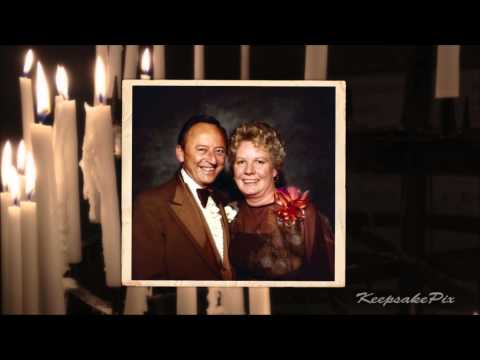
Memorial videos, sometimes called “Celebration of Life” or “Tribute” videos are slideshow videos that show the person’s personality as well as demonstrate the stories of your loved ones life, i.e. parents, childhood, friends and family and activities within the community. It will also include special moments and memories such as graduations, weddings, and births. Typically it will include music that is representative of the person’s life.
2. How long should the memorial video be?
People can only appreciate a certain amount of media at a time, so it shouldn’t last more than about 10 minutes.
3. How many photos should a memorial video include?
A typical range for a memorial video is between 60-125 photos. They should pass by very quickly on the screen, not linger. The video can be replayed at a later time if people want to revisit the photos.
4. Can I include video clips in a memorial video?
Yes, but they should be very short clips (10 seconds or less), and very few.
5. How do you select appropriate photos and videos to include in a memorial video?
Selecting appropriate photos and videos to include in a memorial video can be a challenging task, but it can also be very cathartic for the family as they discuss the memories the photos evoke.
Here are some tips:
• For a comprehensive tribute, select a variety of photos and videos that span different periods of the person's life. Include pictures of family ancestors, childhood photos, family portraits, candid shots, and special moments captured on camera.
• Choose photos and videos that are high-quality and well-lit. Avoid using images that are blurry or grainy, as they may be distracting or difficult to view.
• Choose photos and videos that tell a story about the person's life as well as events that were important to the person.
• Choose some photos and videos that show the person with friends, family, and loved ones. This can help to illustrate the person's relationships and connections with others.
• Get input from family and friends as they may have special memories and images that are particularly meaningful to them, and that can add depth and richness to the video.
• Remember, the goal of a memorial video is to create a meaningful tribute to the person's life and legacy. Choose photos and videos that capture the essence of the person, and that honor their memory in a way that feels authentic and appropriate.
6. How many songs can I use in the memorial video?
Typically 3-4 songs will be more than 10 minutes. However if the family wants all of the music, the music can be adjusted to fit the amount of photos in the desired amount of time.
7. What if I only have paper photos?
You will be give instructions on where to FedEx them so I can scan them.
8. What if the quality of the photos is not good?
I will touch up all the photos and do minimal repair of tears and marks on the photos. This touch up is not designed to be photo restoration.
9. How do you select appropriate music for a memorial video?
• Selecting the right music for a memorial video can be a deeply personal and emotional decision. Here are some tips to help you:
• Think about the person’s favorite songs or artists, as well as music that the person enjoyed listening to at certain times of their life.
• Choose music that reflects the mood of the video: It should help set the tone for the video. If the video is meant to be uplifting and celebratory, consider using more upbeat or energetic music. If the video is more reflective or somber, choose music that is more contemplative or soothing.
• Avoid songs with lyrics that may be inappropriate: Be mindful of the lyrics in the songs you choose.
• Consult with family or friends to see if they know of songs that hold special meaning or memories.
• Remember, the music you choose for a memorial video can have a powerful impact on the emotions of those who watch it. Take the time to choose music that reflects the person's life and spirit, and that honors their memory in a way that feels meaningful to you and your loved ones.
10. How should the memorial video be used?
Over the years I have observed that the best way to use the memorial video is to make it part of the memorial service. After the minister or facilitator welcomes guests is the best time to show the video. It focuses everyone’s attention on the deceased and provides an opportunity for people to know the deceased better, as the video will show different parts of their life. People will come away saying “I learned so much about (the deceased) that I didn’t know.”
FAQ's:
FAMILY LEGACY MOVIE
1. What is a family legacy video?
A family legacy movie is a special type of video designed to capture and preserve the stories and memories of a family for future generations. It can be a powerful way for the younger generations to connect with their ancestors, learn about their family history, and create a sense of belonging and identity for current and future generations.
A KeepsakePix family legacy movie typically includes an interview with the elders of a family where they talk about their ancestors, family history, favorite stories, or memories.
2. What is the process for creating a family legacy video?
Creating a family legacy video involves several steps:
1. Discuss the plans with KeepsakePix.
2. Plan the video, deciding on the focus of the video—will it include one or more family members being interviewed and who will do the interviewing?
3. Gather all the photos, documents, and other memorabilia that support the stories.
4. Write down the questions you want to be sure to include in the video.
5. KeepsakePix will shoot the video, edit the raw footage, incorporate the photos and other items, and then share a draft with the family.
6. After viewing the draft KeepsakePix will produce the final video
7. The video will be shared with the family according to the original agreements.
3. Who conducts the interviews for family legacy movies
The interviews for family legacy movies can be conducted by one or more people, depending on the family’s preferences.
Usually, one family member conducts the interview, but the interview role can be rotated between family members.
4. What kind of music should be in the family legacy video?
Any music used should be reflective of the subject’s life—either his/her favorite music
Since most of the video will be interview-style, there will be little if no music included. However, if any music is used you must have permission to use any copyrighted music.
5. What kind of equipment and software do you need to create a high-quality family legacy video?
When KeepsakePix produces your family legacy video, you don’t have to think about either of those things. All of the necessary equipment, i.e. cameras, lights, tripods, etc. will be brought to your house for the filming of the interview.
After filming is complete I will run the raw footage through a video editor, edit the footage, and produce the final video.
6. Are there any legal considerations to keep in mind when creating a family legacy video?
Yes, there are a few legal considerations you should keep in mind:
• KeepsakePix will provide a contract that outlines the scope of work, payment terms, and ownership of the final product.
• KeepsakePix will ensure that no copyrighted photos are used. You need to make sure that you have permission to use any copyrighted music.
• You will be asked to sign a consent form to use your photo or video.
7. What questions should a family legacy movie contain?
Depending on the focus of the video, it can contain a wide range of questions and topics.
Ultimately the family is responsible for coming up with the questions to ask.
However, KeepsakePix has an exhaustive list of questions to spark your imagination that I am happy to provide upon request.
8. How do I ensure the video will be preserved for future generations?
Preserving the video for future generations will require several considerations.
You will receive the video in a streaming format, i.e. MP4. Usually it is sent via Google Drive. There you can download the movie. Here it is critical that you save it in several places as soon as you receive it.
• Save it on your laptop or main computer
• Store it on your Google Drive or other cloud storage that you use.
• Save it to a USB drive clearly labeled and stored in a safe place so it doesn’t get accidentally erased.
• Send it to all of your kids and any other family members that you want to have it.
• You may request it on a DVD, either to play as a movie on the DVD player or as a streaming format to be copied.
• For an additional charge I can provide a DVD with a glossy cover. It comes with a photo in a faux leather folio in its own box. Be sure to inquire if you think you want this option.
MEMORIAL VIDEOS
1. What is a memorial video?
Memorial videos, sometimes called “Celebration of Life” or “Tribute” videos are slideshow videos that show the person’s personality as well as demonstrate the stories of your loved ones life, i.e. parents, childhood, friends and family and activities within the community. It will also include special moments and memories such as graduations, weddings, and births. Typically it will include music that is representative of the person’s life.
2. How long should the memorial video be?
People can only appreciate a certain amount of media at a time, so it shouldn’t last more than about 10 minutes.
3. How many photos should a memorial video include?
A typical range for a memorial video is between 60-125 photos. They should pass by very quickly on the screen, not linger. The video can be replayed at a later time if people want to revisit the photos.
4. Can I include video clips in a memorial video?
Yes, but they should be very short clips (10 seconds or less), and very few.
5. How do you select appropriate photos and videos to include in a memorial video?
Selecting appropriate photos and videos to include in a memorial video can be a challenging task, but it can also be very cathartic for the family as they discuss the memories the photos evoke.
Here are some tips:
• For a comprehensive tribute, select a variety of photos and videos that span different periods of the person's life. Include pictures of family ancestors, childhood photos, family portraits, candid shots, and special moments captured on camera.
• Choose photos and videos that are high-quality and well-lit. Avoid using images that are blurry or grainy, as they may be distracting or difficult to view.
• Choose photos and videos that tell a story about the person's life as well as events that were important to the person.
• Choose some photos and videos that show the person with friends, family, and loved ones. This can help to illustrate the person's relationships and connections with others.
• Get input from family and friends as they may have special memories and images that are particularly meaningful to them, and that can add depth and richness to the video.
• Remember, the goal of a memorial video is to create a meaningful tribute to the person's life and legacy. Choose photos and videos that capture the essence of the person, and that honor their memory in a way that feels authentic and appropriate.
6. How many songs can I use in the memorial video?
Typically 3-4 songs will be more than 10 minutes. However if the family wants all of the music, the music can be adjusted to fit the amount of photos in the desired amount of time.
7. What if I only have paper photos?
You will be give instructions on where to FedEx them so I can scan them.
8. What if the quality of the photos is not good?
I will touch up all the photos and do the minimal repair of tears and marks on the photos. This touch-up is not designed to be photo restoration.
9. How do you select appropriate music for a memorial video?
• Selecting the right music for a memorial video can be a deeply personal and emotional decision. Here are some tips to help you:
• Think about the person’s favorite songs or artists, as well as music that the person enjoyed listening to at certain times of their life.
• Choose music that reflects the mood of the video: It should help set the tone for the video. If the video is meant to be uplifting and celebratory, consider using more upbeat or energetic music. If the video is more reflective or somber, choose music that is more contemplative or soothing.
• Avoid songs with lyrics that may be inappropriate: Be mindful of the lyrics in the songs you choose.
• Consult with family or friends to see if they know of songs that hold special meaning or memories.
• Remember, the music you choose for a memorial video can have a powerful impact on the emotions of those who watch it. Take the time to choose music that reflects the person's life and spirit, and that honors their memory in a way that feels meaningful to you and your loved ones.
10. How should the memorial video be used?
Over the years I have observed that the best way to use the memorial video is to make it part of the memorial service. After the minister or facilitator welcomes guests is the best time to show the video. It focuses everyone’s attention on the deceased and provides an opportunity for people to know the deceased better, as the video will show different parts of their life. People will come away saying “I learned so much about (the deceased) that I didn’t know.”
Show more